How it works
Six steps from signup to rent in your bank account.
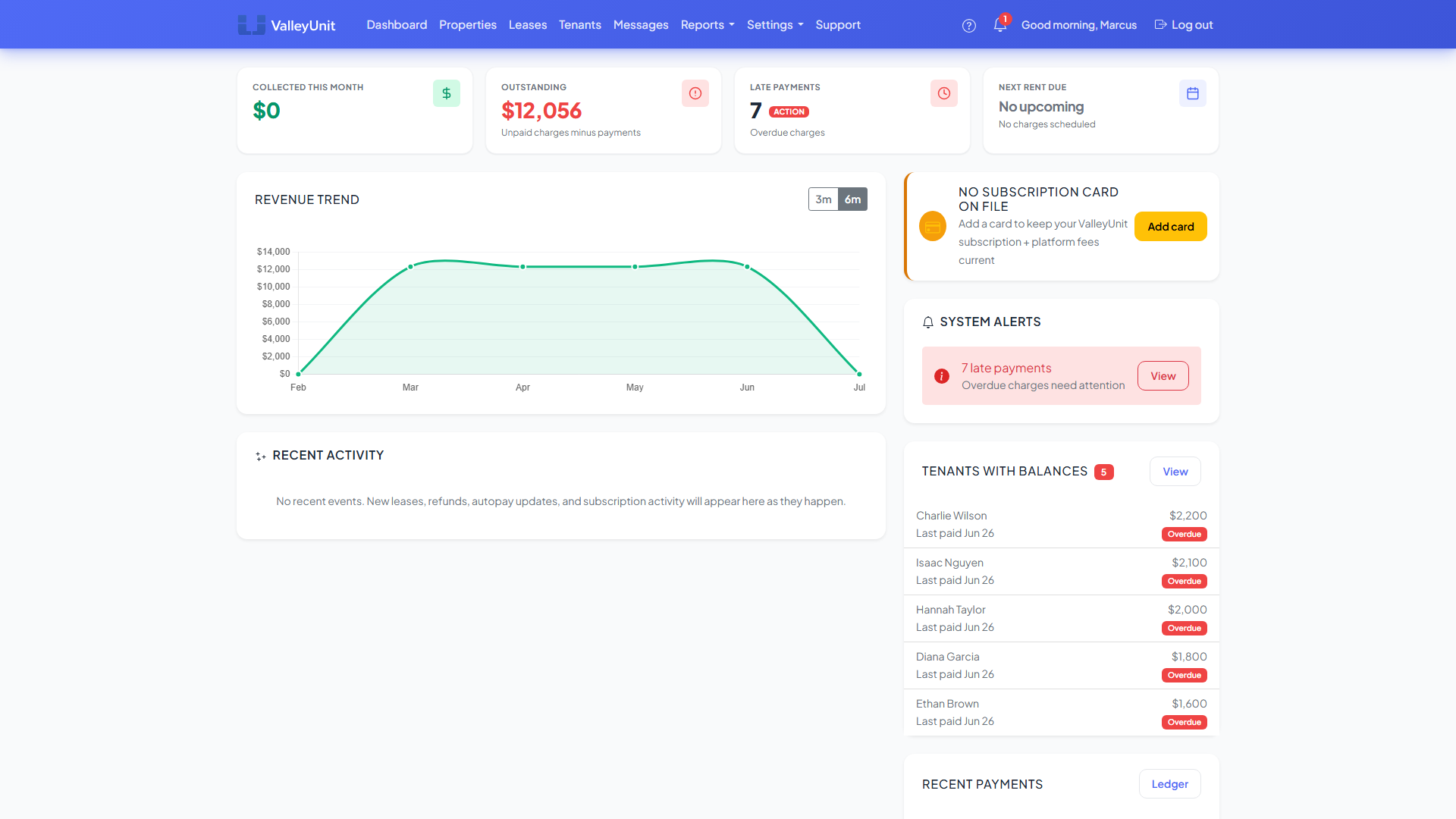
Create your account
Sign up with your email and password. No credit card required. You get a 30-day free trial with full access to every feature, so you can set up your properties and test the platform before committing to a plan.
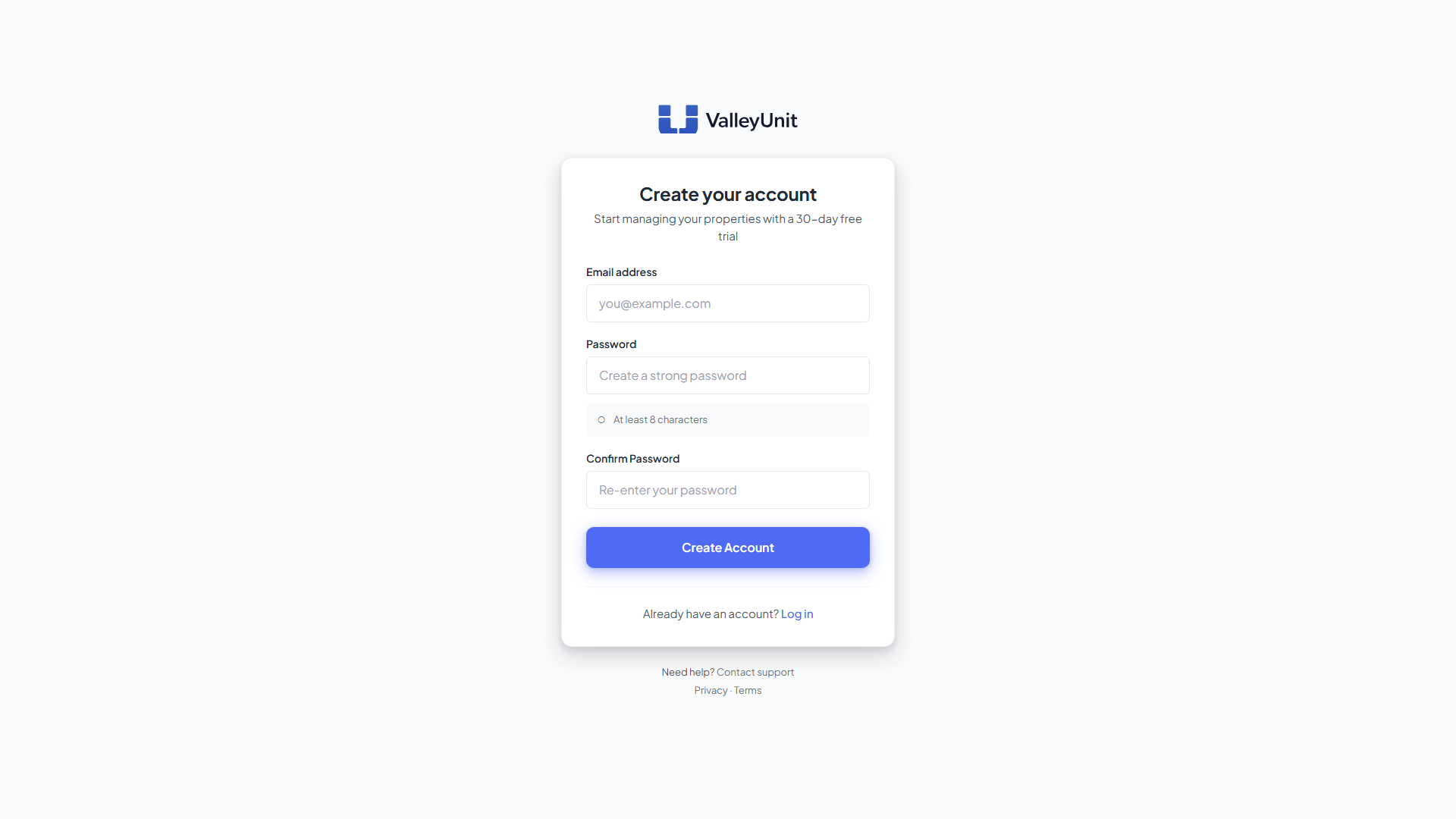
Add your property
Enter your property address and define each unit. Whether you have a single-family home, a duplex, or a multi-unit building, ValleyUnit handles properties with up to 10 units. Each unit gets its own lease, tenant, and payment history.
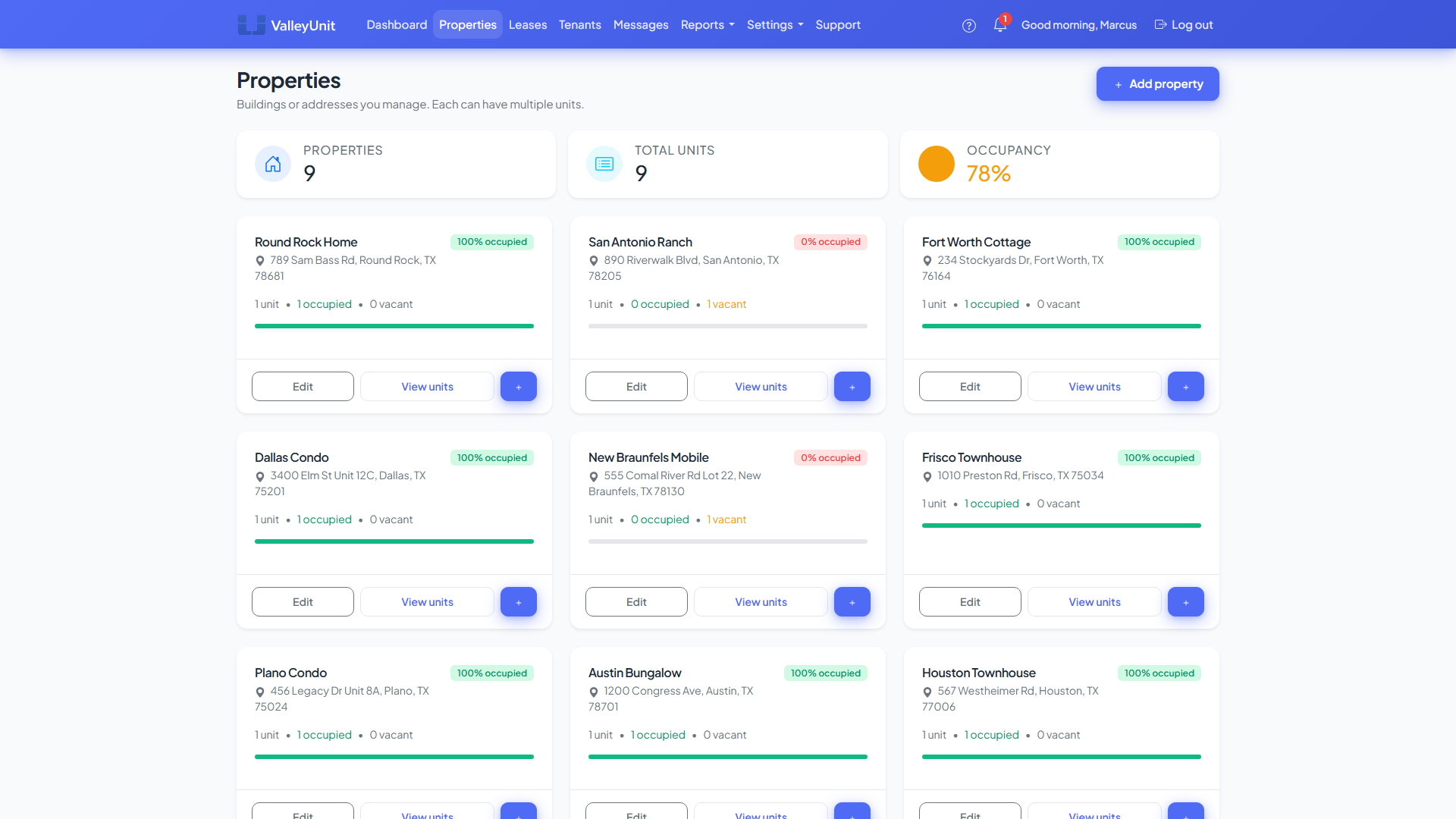
Add your tenant
Send an email invitation directly from ValleyUnit. Your tenant creates their own account, accepts the lease, and gets access to their portal where they can view balances, make payments, and submit maintenance requests. No app download required.
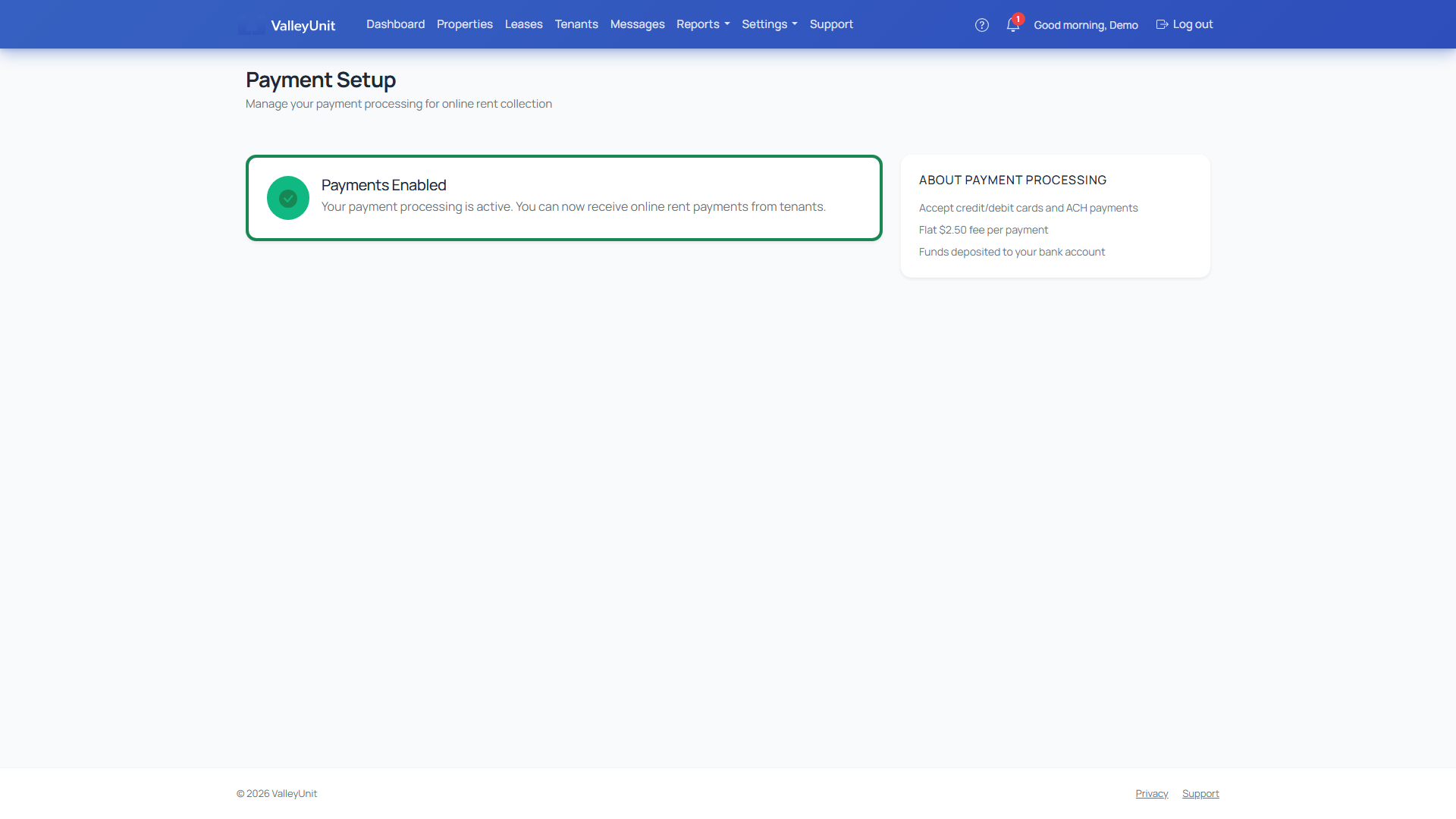
Connect Stripe
Link your Stripe account so tenant payments go directly to your bank. Stripe handles all card and ACH processing, and ValleyUnit never touches your money. If you don't have a Stripe account, you can create one during setup in a few minutes.
Set up rent charges
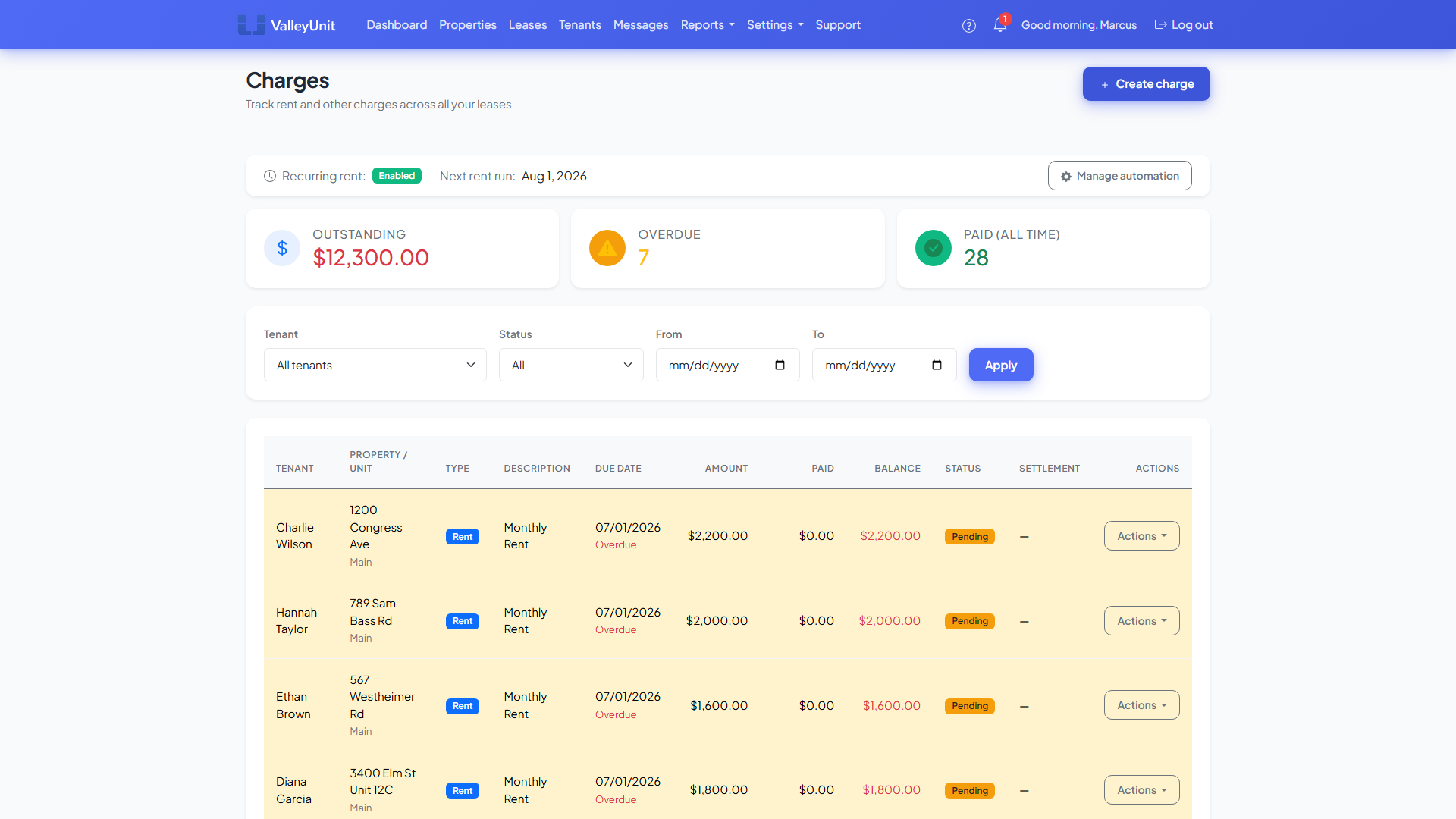
Create a recurring rent charge on each lease and ValleyUnit generates it automatically every month. You can also add one-time charges for utilities, pet rent, parking, or security deposits. Set your grace period and late fee rules, and the system enforces them without manual effort.
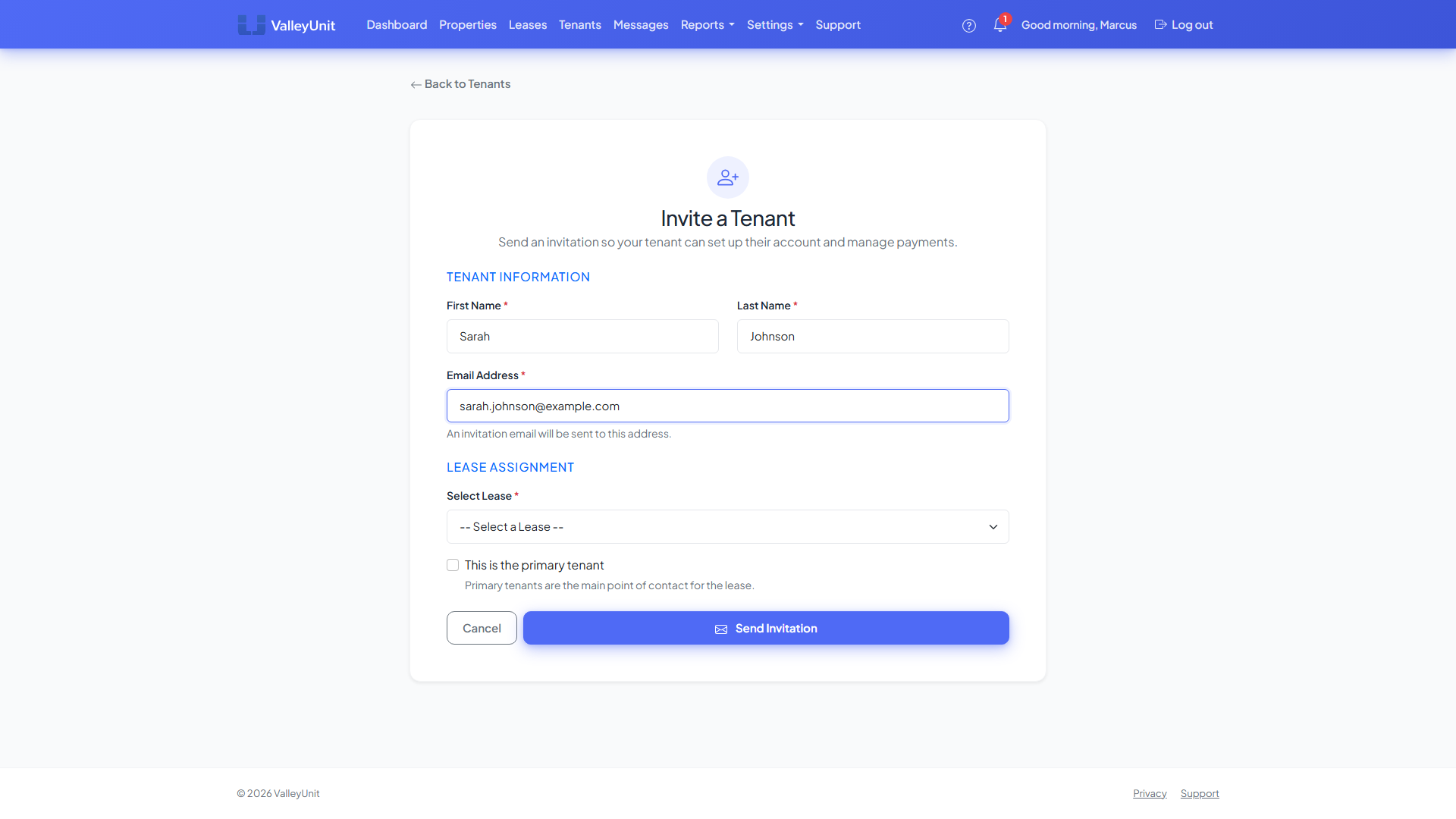
Get paid
Tenants pay through their portal with a card or bank account. You see every payment in real time on your dashboard and get email notifications when rent comes in. Funds arrive in your bank account within 2-3 business days. Every payment is tracked for your records and tax reporting.